

먼저 Spring Legacy Project를 생성해준다.

프로젝트 이름을 입력해주고 Spring MVC Project를 선택하고 Finish
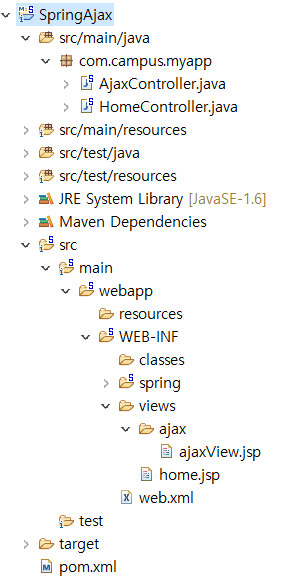
AjaxController와 ajaxView파일을 만들어 주었습니다.
그 다음 제이쿼리 다운로드 페이지 안에 원하는 버전의 CDNJS CDN를 복사해줍니다. 저는 3.6.0 버전을 사용했습니다.
Download jQuery | jQuery
link Downloading jQuery Compressed and uncompressed copies of jQuery files are available. The uncompressed file is best used during development or debugging; the compressed file saves bandwidth and improves performance in production. You can also download
jquery.com
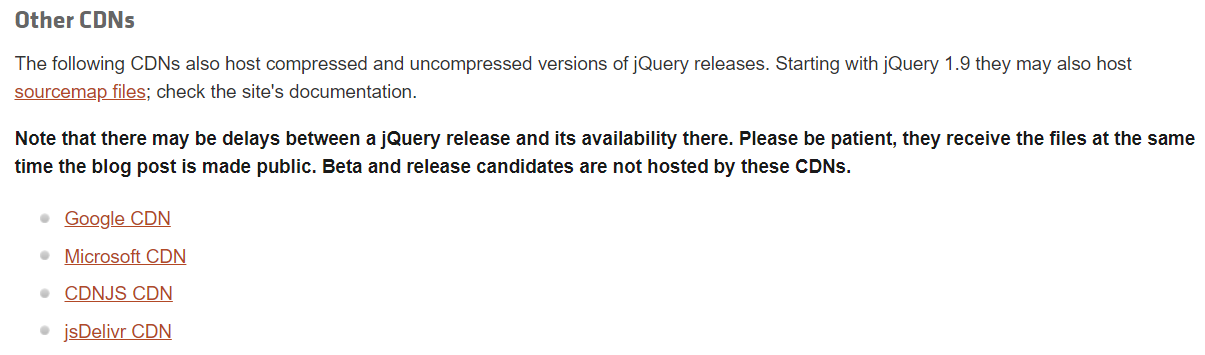
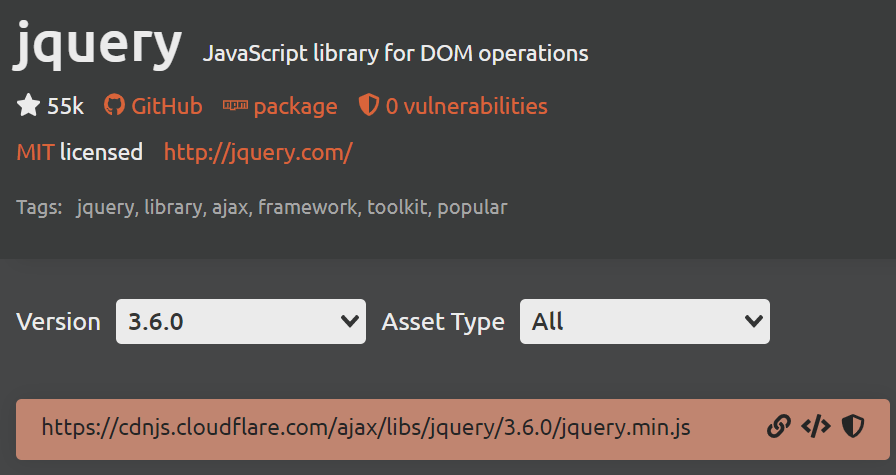

jsp 파일 안에 넣어주면 됩니다.
그 다음 메이븐 저장소에서 'Gson'을 검색후 원하는 버전을 선택후 메이븐을 복사해줍니다. 저는 2.9.0을 사용했습니다.
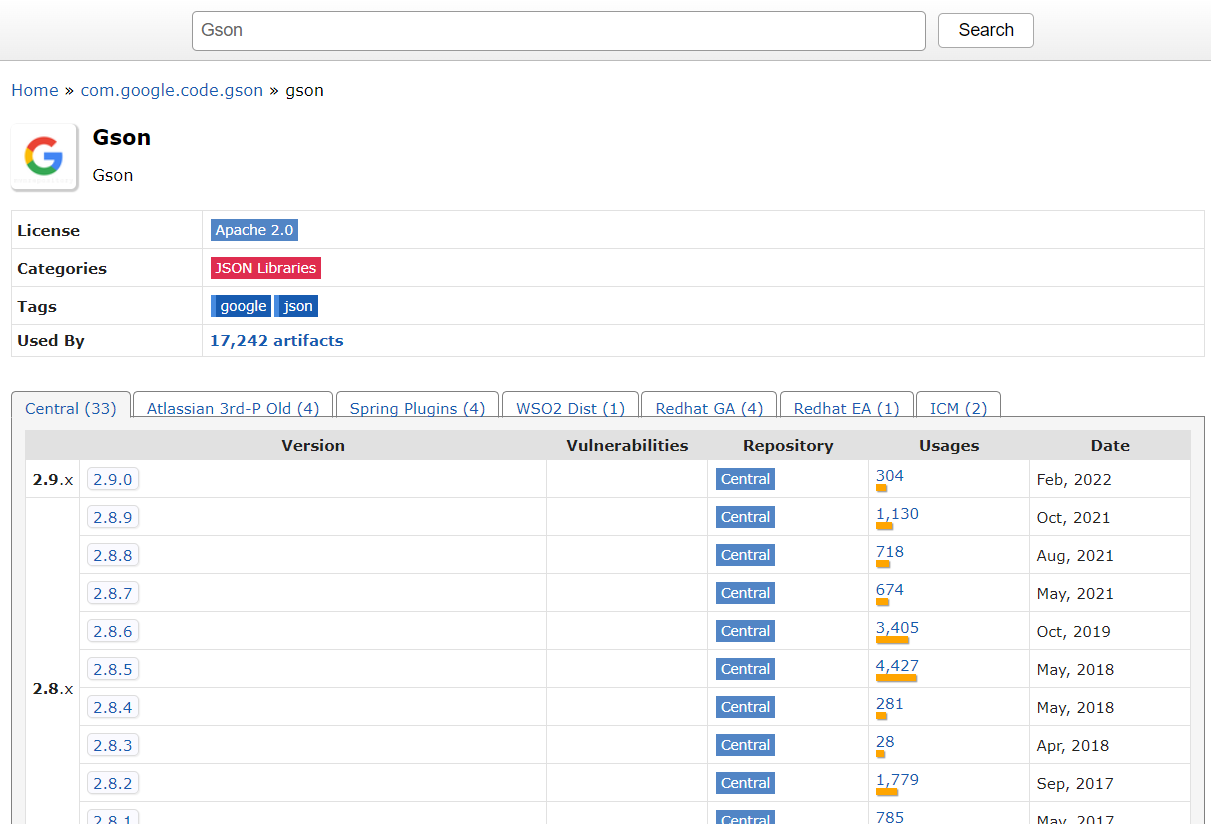

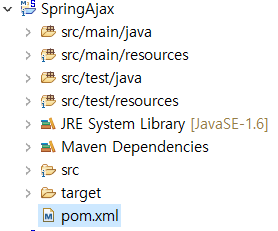
프로젝트 내의 pom.xml에서

dependencies 태그 안에 넣어주면 사용할 준비가 다 되었습니다.
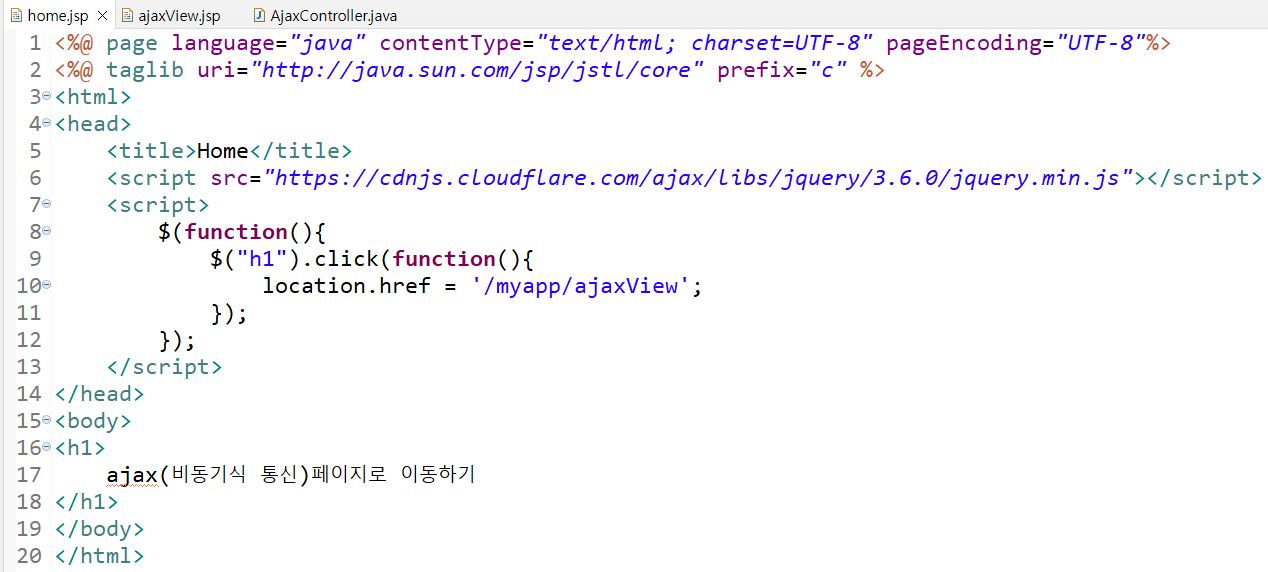

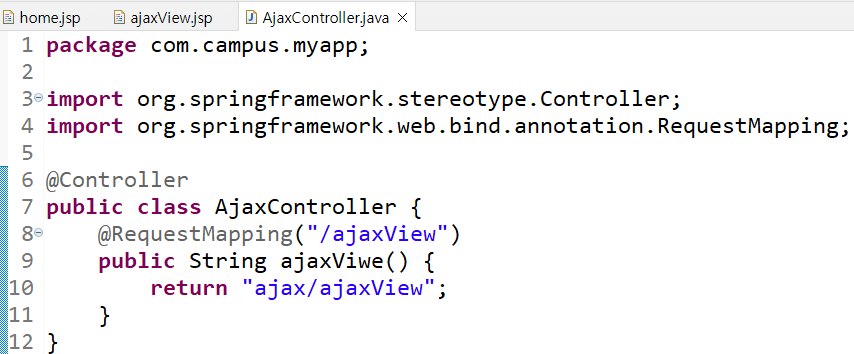
AjaxController로 ajaxView페이지를 매핑해줍니다.


완료 되었으면 톰캣 서버를 구동시켜줍니다.
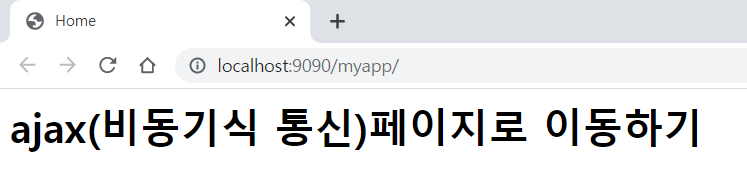
ajax(비동기식 통신)페이지로 이동하기를 클릭하면

ajaxView페이지로 잘 매핑된 것을 확인할 수 있습니다.
$.ajax({
	url: 요청이 보내지는 곳,
	type: http요청 방식 get/post,
	success: http 요청 성공의 경우 동작할 함수,
	error: http 요청 실패의 경우 동작할 함수,
	complete: http 요청 완료 후 동작할 함수,
	data: 서버로 넘어갈 값,
	dataType: data의 타입,
	global: 전역 함수 여부 true/false,
	async: 동기 여부 true/false,
});